
Forgot password
Tap "Forgot password?" and follow the email reset link. Use a strong, unique password.
How to sign in, recover access and keep your account secure — plus what to do when BetWinner won't load.
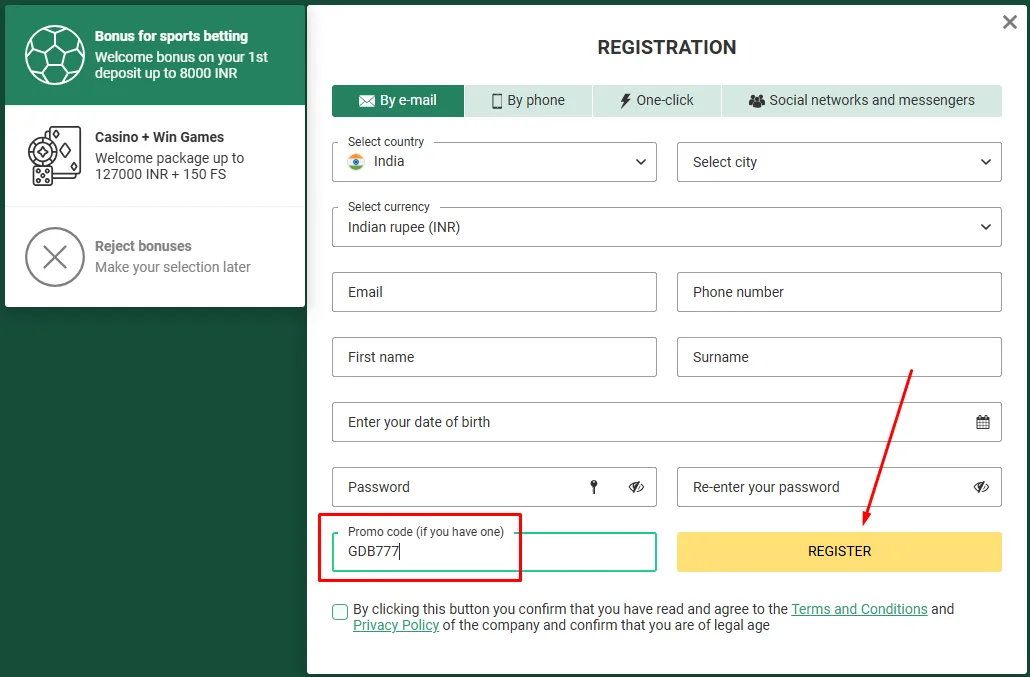
Go to betwinner.com/en (or open the Android APK / iOS web app).
Use your ID (email/phone/account number) and password, or the social account you registered with.
Enter the one-time code from Google Authenticator if you switched two-factor on.
Your balance, bet slip and cashier are now available.
Tap "Forgot password?" and follow the email reset link. Use a strong, unique password.
Several failed attempts can lock you out. Wait or contact BetWinner support via live chat.
BetWinner uses working mirrors (e.g. betwinner2.com). If one is slow, try another or the official APK.
Because BetWinner is offshore and unlicensed in SA, some networks or ISPs may restrict access.
Signing in to BetWinner is standard — an ID and password, with optional two-factor authentication through Google Authenticator. The South African-specific friction is access: because BetWinner is an offshore, unlicensed operator, some local networks or ISPs may slow or restrict the site. If the main domain won't open, a working mirror (such as betwinner2.com) or the official Android APK usually will.
For security, enable 2FA and use a password you don't reuse elsewhere. Keep in mind that BetWinner accounts sit outside South African consumer protection — there is no ombud or NGB recourse if an account is locked or compromised, because the operator holds only a Curaçao licence. If that lack of protection matters to you, a provincially-licensed SA book is the regulated alternative. 18+. Help: SARGF 0800 006 008.